
Create AR in 3 Minutes With the New “Super Simple Editor”!
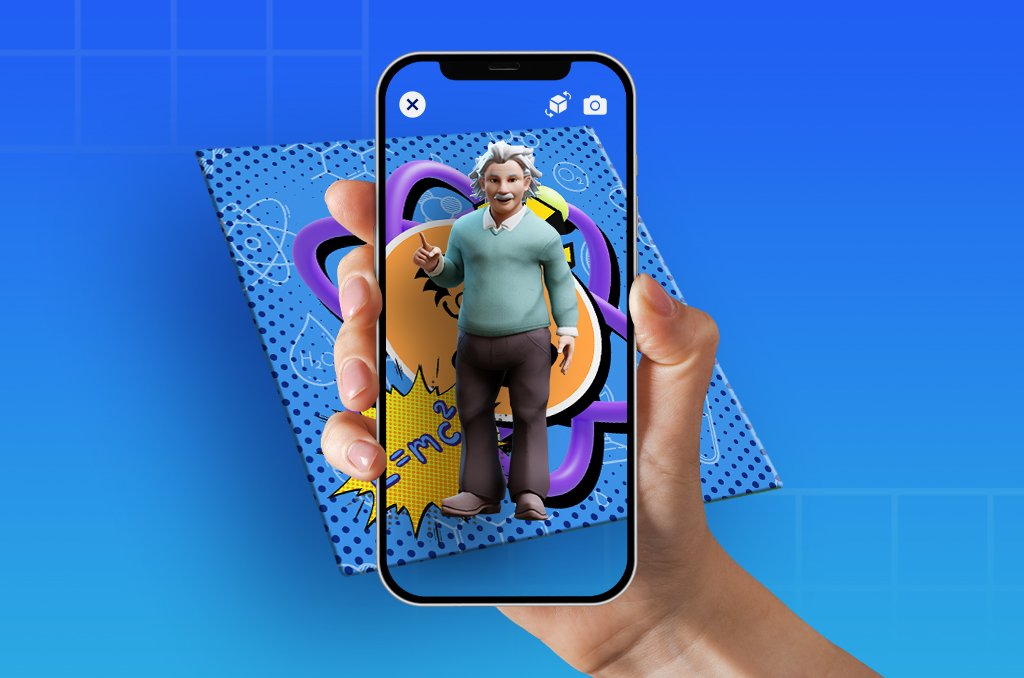
Ever wondered, “Is there any other way to create MUCH easier on Assemblr?”
Well, here’s your answer: Super Simple Editor!
Super Simple Editor is the latest Editor revolution by Assemblr, in which you can create your own simple yet stunning AR projects for any needs.
Whoever you are, be it a teacher, marketer, creative enthusiast, or even small-to-medium business owners, this is a great tool to help you create AR faster.
Everything is only done in 3 steps, so it only takes less than 3 minutes to finish our AR projects.
To open the Super Simple Editor, you can access the “Your Projects” page, choose “Create Your Creation”, and pick "Super Simple Editor".
Want to know how to create with this Editor?
How to Create With Super Simple Editor
1. Choose the AR marker that you want to use.

If you already have your own design that you want to use, simply choose “Custom Marker”. But if you just want to include a QR code on your design, you can choose “QR Marker”.
2. Pick the 3D object that will appear on top or in front of the AR marker.

Mind you that you can only use one 3D object since it’s a super simple Editor 👀 If you want to add more, you can switch to the Default Editor.
3. Time to adjust the size of your object!

You can also choose to replace your object or even the AR marker.
Once you have published your project, you will see this view. You can see the project right away, or even download your QR marker if you use one.

This Super Simple Editor is highly recommended for any printed stuff like AR-powered flashcards, invitations, business cards, posters, t-shirt graphics, and many more!
It's a good thing, right? Make sure to try it out—available at Assemblr Studio and Assemblr EDU. Let’s go!
.jpg)